🗂️ Workflow & Library
The 3-2-1 backup rule for photographers
Every photographer learns the value of backups exactly once — the day a card corrupts, a drive dies, or a laptop is stolen with a trip's photos still on it. The 3-2-1 rule is the simple, battle-tested standard that makes that day a shrug instead of a disaster. It's worth ten minutes to set up and it protects years of work. And there's one irreplaceable thing most photographers never back up at all — the knowledge of where and how they shoot — which is easier to protect than the photos.
Data loss in photography isn’t a question of if but when — cards fail, drives wear out, laptops get dropped, stolen or ransomwared. The good news is that protecting against all of it is a solved problem, and the solution has a name: the 3-2-1 rule. It’s the standard professionals and IT departments use because it survives every common failure at once. Here’s what it means and how to run it without turning your life into a server-admin hobby.
The 3-2-1 rule explained
Three numbers, and each defends against a different disaster:
- 3 copies of every important file. The original plus two backups. One copy is not a backup — it’s a single point of failure.
- 2 different media (or devices). Don’t keep all copies on the same type of storage or the same machine — two folders on one drive both die when that drive dies. Spread across, say, an internal drive and an external SSD.
- 1 copy off-site. At least one copy somewhere physically separate — cloud storage or a drive kept elsewhere. This is what saves you from theft, fire, or flood taking the originals and the local backups together.
Meet all three and you’d have to suffer two simultaneous, independent failures plus a site disaster to lose anything. That’s the whole point.
On-shoot redundancy
Backup starts in the field, before you’re anywhere near a computer:
- Dual card slots. If your camera has two, set them to record a backup copy to the second card. Now a card failure on the drive home costs you nothing.
- Offload daily on a trip. Copy each day’s cards to a laptop or a portable SSD every evening, and don’t format the cards until you’re home with the files backed up properly. On a long trip, that field SSD is your second copy until the real backup exists.
Building the two-media, off-site layers
Home from the shoot, the routine is short:
- Import to your main library (internal or a dedicated drive) — copy one.
- Back up to a second, different device — an external drive or a NAS — copy two, on separate media.
- Push one copy off-site — a cloud backup service, or a drive you periodically take to another location — copy three, off-site.
Automate steps two and three where you can (backup software, or a NAS that syncs to the cloud) so it happens without you remembering. A backup you have to think about is a backup you’ll skip.
The one thing photographers never back up
Here’s the gap even careful photographers leave: they 3-2-1 their files, and lose everything around them. Your scouting knowledge — where the good spots are, which direction they face, the exact settings and conditions that made a shot work, the notes from years of visits — usually lives in one fragile place: a single phone, a notebook, or just your memory. Lose the phone and none of it is in your 3-2-1 backup, because it was never a file you thought to protect.
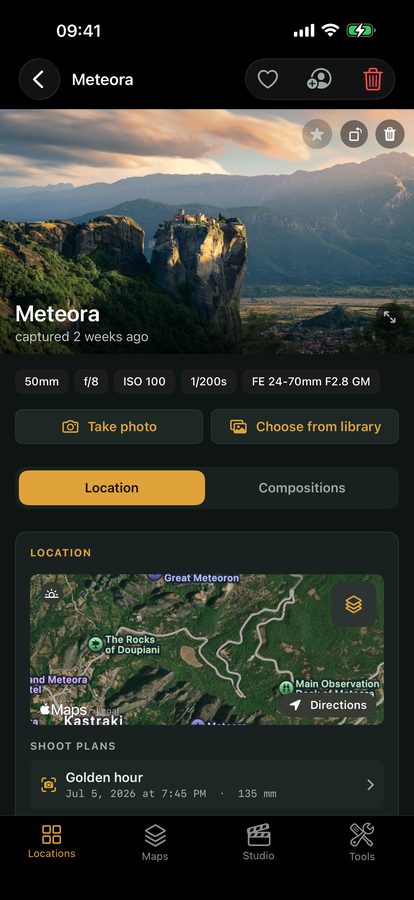
That knowledge is arguably harder to replace than a single photo — you can reshoot a scene, but not a decade of learning where the light falls. It’s worth keeping somewhere that survives a lost device. Viewpoint doesn’t back up your RAW files (that’s what 3-2-1 is for), but it does keep your spots, notes and result-photo settings synced across your devices on the Online tier — so the scouting knowledge that took years to build isn’t riding on one phone that can drop in a river.
Quick-start checklist
- 3 copies — original plus two backups; one copy is not a backup.
- 2 media — spread copies across different devices/types, not two folders on one drive.
- 1 off-site — cloud or a drive kept elsewhere, to survive theft, fire and flood.
- Start in the field — dual card slots, offload daily, don’t format until backed up.
- Automate the home routine — a backup you must remember is one you’ll skip.
- Back up the knowledge too — your scouting library and notes, not just the photos.